Computer Science & Pixel Art
How does a computer store an image? With fuse beads, the concepts of pixels, image resolution, and digital encoding become tangible.
Lesson Idea: Analog Pixels
Each fuse bead corresponds to exactly one picture element (pixel) on a screen. A monitor has millions of these pixels in a grid, just like a giant pegboard. Students learn that digital images are not drawn, but composed of color values in a grid.
Learning Objectives
- Understand the concept of "resolution" (many small beads vs. fewer large beads).
- Simple compression and encoding: How do I write "5 white beads, 3 black, 5 white" as code? (Run-Length Encoding).
- Introduction to the binary system (black/white images represented as 0s and 1s).
Media Literacy: Understanding QR Codes
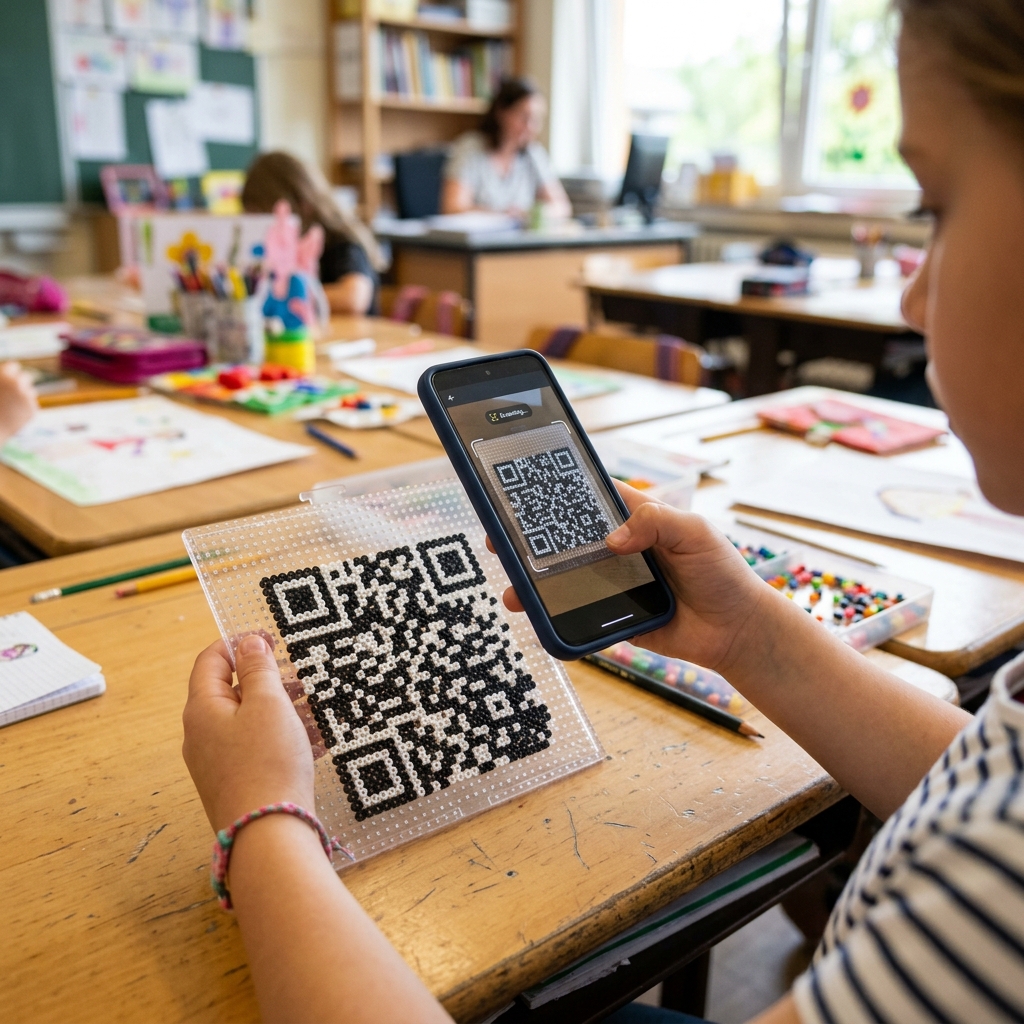
QR codes are part of everyday life for students. Using fuse beads (black and white), they can build fully functional 2D codes and test them with a smartphone. Tip: Custom QR codes can be created easily inside our PixelBeads Editor and displayed as a template.
Error Correction
An important concept in computer science is error correction. QR codes contain redundant data, making them resilient to damage. In the classroom, this means: even if students place some beads incorrectly or omit them (mimicking real-world scratches), a tablet can usually scan the code successfully. A fascinating "aha" moment!
Materials & Ideas
Use these ideas for cross-curricular teaching (Art & Computer Science).
Idea: Binary Decoder
Have students decode an image from zeros (empty peg) and ones (black bead) to reveal a hidden pixel pattern.
Idea: Run-Length Encoding (RLE)
Students write shorthand codes like "3W, 2B, 3W" (White/Black) for their designs to learn how to save storage space.
Idea: Resilient QR Code
Have students assemble a simple QR code, then intentionally replace 3-4 beads with wrong colors to check if it can still be scanned successfully.